- Help Centre
- SAMSUNG - INTERNAL - Technical Support
- Work Order Process
-
SAMSUNG - Technical Support
-
SAMSUNG - Online Video
-
SAMSUNG - INTERNAL - Technical Support
- Support Team Call Flow
- Door Lock SHP-A30
- Door Lock - SHP-DP609
- Door Lock - SHP-DR708
- Door Lock - SHP-DP728
- Door Lock - SHP-DP727
- Door Lock - SHS-P718
- Door Lock - SHS-P717
- Door Lock - SHP-DH538
- Door Lock - SHP-DH537
- Door Lock - SHS-3321
- Door Lock - SHP-DS510
- Door Lock - SHP-DS705 (SHS-D607)
- Door Lock - SHS-H505
- Door Lock - SHS-H705
- Door Lock SHS-7020
- Door Lock - KL-100B & KL-100S (Keyless key)
- General Miscellaneous
- Accessory/ Lock Parts
- CCTV
- HubSpot
- Work Order Process
-
INTERNAL - Logistics
-
INTERNAL - Documents
-
INTERNAL - Product and Merchandising Manager - SOP
→ How to send a DocuSign Service Agreement
(Log in to your LastPass to access DocuSign)
Step 1: Launch DocuSign and Log in using shared email and password.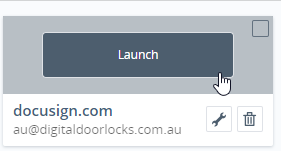
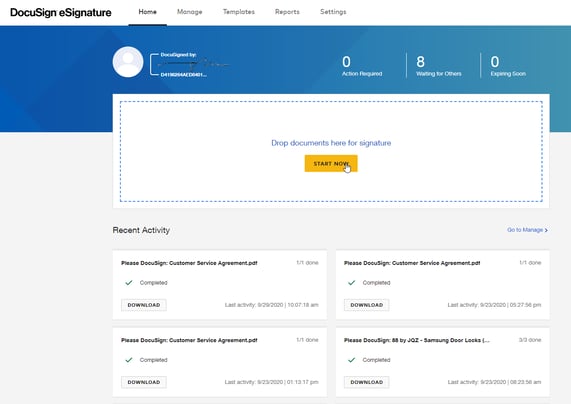
Step 2: Select Start Now.
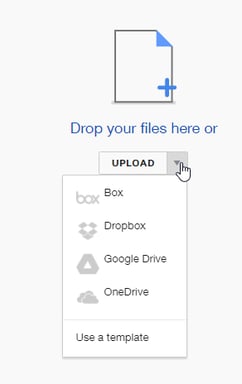
Step 3: Click the dropdown arrow then select Use a template.
Step 4: Select Customer Service Agreement
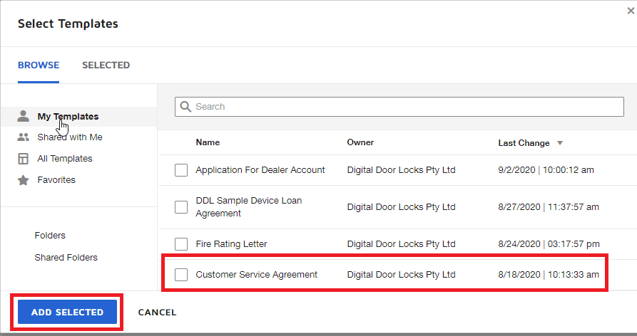
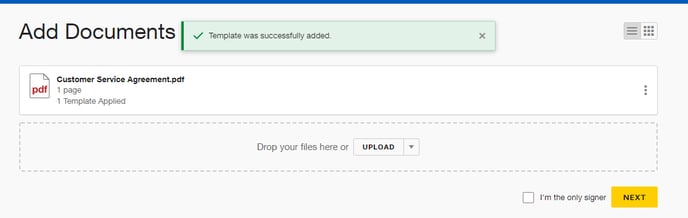
Step 5: Select Next.
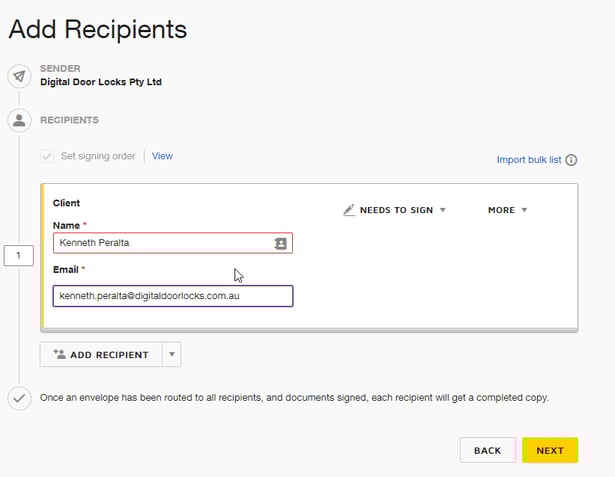
Step 6: Add recipients name and email then Next.
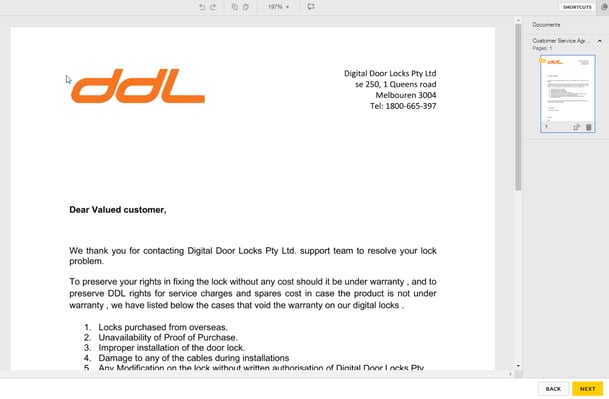
Step 7: Select Next.
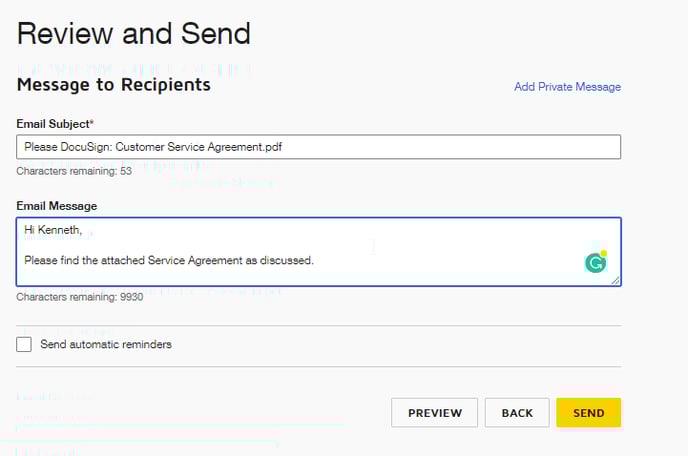
Step 8: Add your message then Send it.